Expertise / UI/UX design 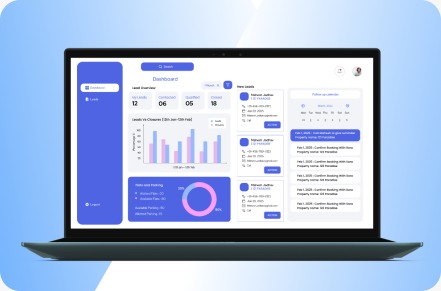
UI/UX design for complex software workflows
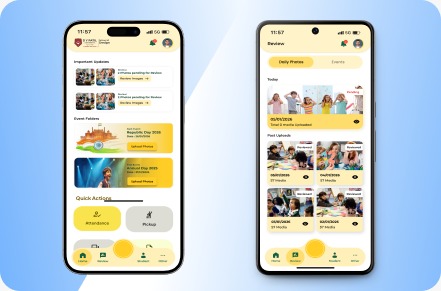
We design product experiences for medtech interfaces, healthcare IoT apps, enterprise platforms, portals, dashboards, and internal tools where users need clarity, not decoration.
Trusted partners
A Trusted Technology Partner Across Industries
Supporting healthcare, MedTech, enterprise, and digital product teams with dependable software delivery.








Product experience design
Premium UX for complex software is about reducing confusion.
In medtech and enterprise platforms, the interface has to make complex work feel understandable. That means clear states, meaningful structure, predictable flows, and designs that engineering can actually implement.
UI/UX design services
Design support from product discovery to developer handoff.
Product discovery and UX strategy
Clarify users, workflows, product goals, constraints, risks, information architecture, and design priorities.
Workflow and interface design
Design dashboards, forms, tables, role-based journeys, device states, reports, and operational screens.
Wireframes and prototypes
Create clickable prototypes that help stakeholders test flows, uncover gaps, and make better product decisions early.
Design systems and UI libraries
Build consistent components, states, patterns, and documentation for products that need to scale.
Product redesign
Improve existing apps, web platforms, portals, and internal tools with better structure, clarity, and usability.
Developer-ready handoff
Prepare designs, states, specifications, and collaboration notes so engineering can build with fewer assumptions.
Design contexts
We design for the kind of software where users cannot afford to guess.
The design challenge is different when the product carries clinical, operational, or workflow complexity.
Medtech interfaces
Clinical workflows, diagnostic screens, patient data, device states, reports, and usability-sensitive flows.
Enterprise platforms
Role-based dashboards, approvals, documents, review queues, admin tools, and operational visibility.
Healthcare IoT apps
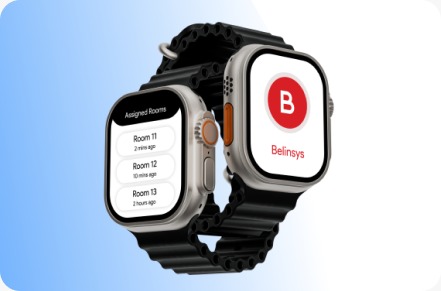
Onboarding, device pairing, sensor states, alerts, live data, mobile guidance, and product companion experiences.
Design process
A practical design path before and during engineering.
The goal is to make product behavior clearer before development, then support implementation with design decisions that engineering can trust.
Understand
Map users, workflows, business rules, pain points, product goals, and technical constraints.
Structure
Shape navigation, information architecture, screen flows, forms, tables, states, and user journeys.
Prototype
Create wireframes or clickable prototypes to test the workflow before engineering commits too deeply.
Refine and handoff
Polish UI, design states, prepare assets, document behavior, and collaborate with engineering.
Case studies
Relevant proof across medtech, healthcare IoT, and process-heavy healthcare operations
A focused set of healthcare and operational platforms where product complexity, workflow depth, and engineering reliability mattered more than shipping another generic application.
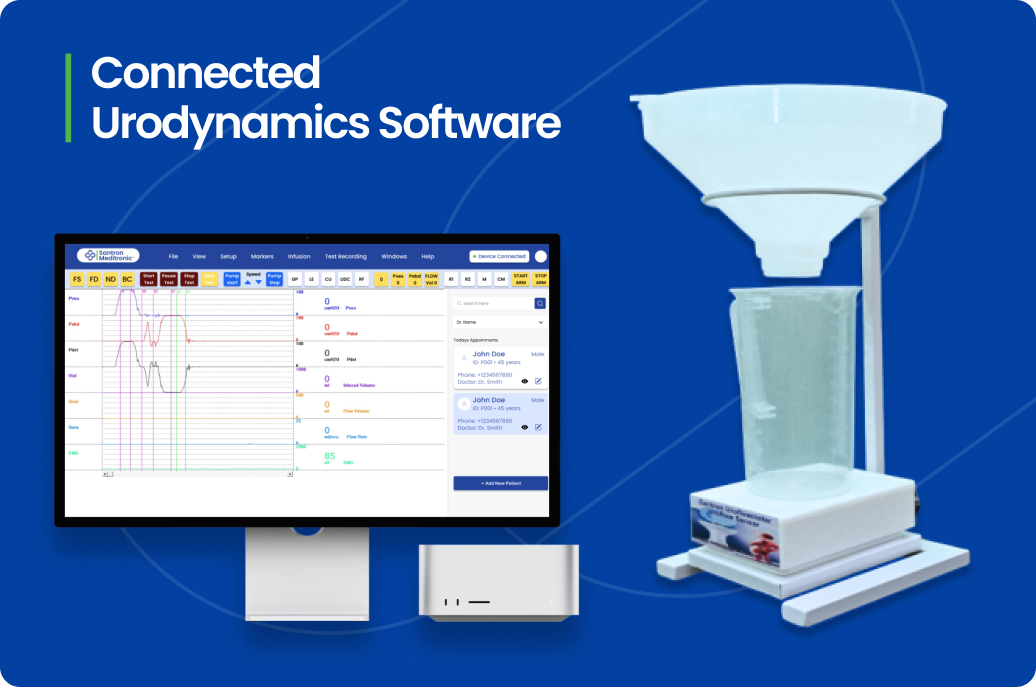 Santron Meditronic software screen
 01Connected urodynamics software
Santron Meditronic
Legacy C++ urodynamics software rebuilt in C# .NET with connected diagnostic workflows.
Read case study →.png) Zenith software screen
Zenith software screen 02Certification workflow platform
Zenith
Certification workflow platform for applications, quotations, audits, reviews, certificates, and renewals.
Read case study →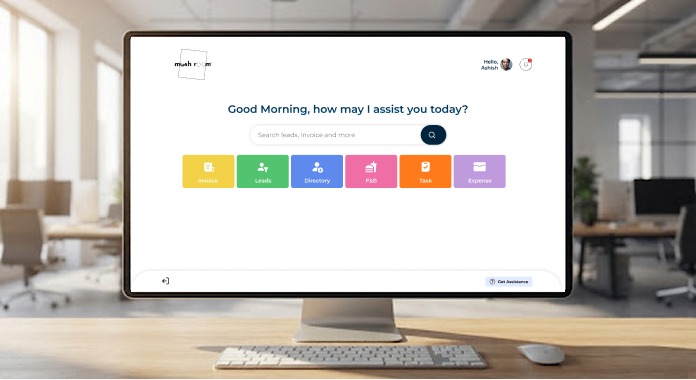 Mushroom Spaces software screen
 03Workspace management SaaS platform
Mushroom Spaces
End-to-end workspace management platform for members, bookings, inventory, invoices, F&B services, and analytics.
Read case study →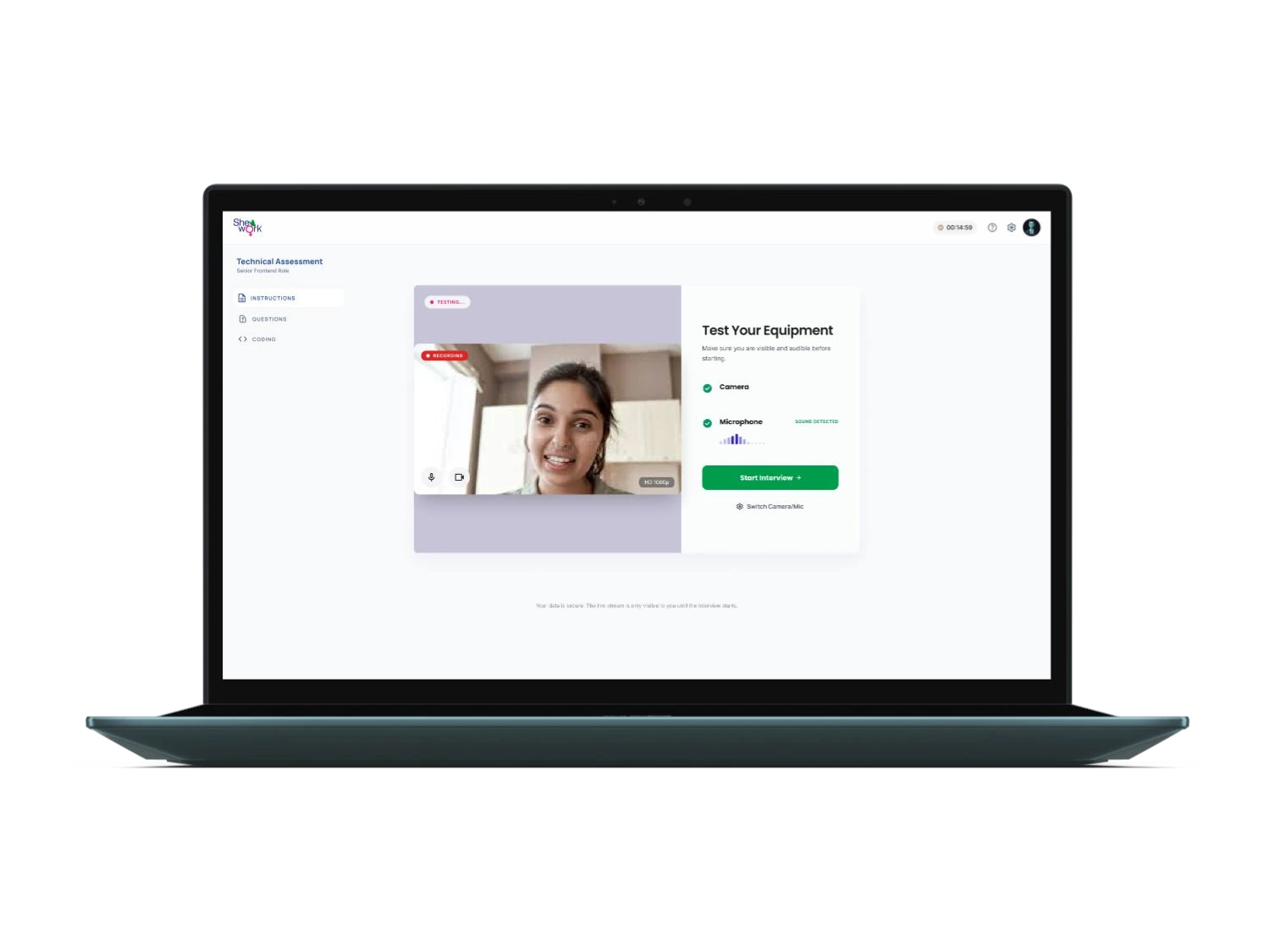 AI Interview Platform software screen
 04AI recruitment and interview intelligence platform
AI Interview Platform
AI-powered recruitment SaaS with two portals, 30+ intelligence modules, multi-modal evaluation, assessments, and reports.
Read case study → FAQ
Questions about UI/UX design
01 What is UI/UX design?
UI design focuses on the interface and visual system. UX design focuses on how users move through the product, complete tasks, understand information, and avoid mistakes.
02 Why is UI/UX important for custom software?
Complex software often fails when workflows are unclear. Good UX reduces training friction, prevents operational errors, and helps engineering build the right product.
03 Do you create prototypes?
Yes. We create wireframes and clickable prototypes to test workflows, align stakeholders, and reduce product risk before development.
04 Can you redesign an existing app or platform?
Yes. We can review an existing web app, mobile app, portal, dashboard, or internal system and redesign the structure, flows, UI, and usability.
05 What tools do you use for UI/UX design?
We commonly work with Figma for interface design, prototyping, design systems, collaboration, and developer handoff.
Design before you build
Need a clearer product experience for a complex workflow?
Share the product, users, and workflow. We will help shape the right UX direction.
Discuss UX design